
מועדון לקוחות
לכל אתר. תוך דקות.
שופיפיי, וורדפרס, קוד מותאם אישית, אפליקציה — אנחנו מתחברים לכל פלטפורמה ואתם מקבלים מועדון לקוחות מלא בלי פיתוח, בלי כאבי ראש.
↓ ככה זה נראה באתר שלכם
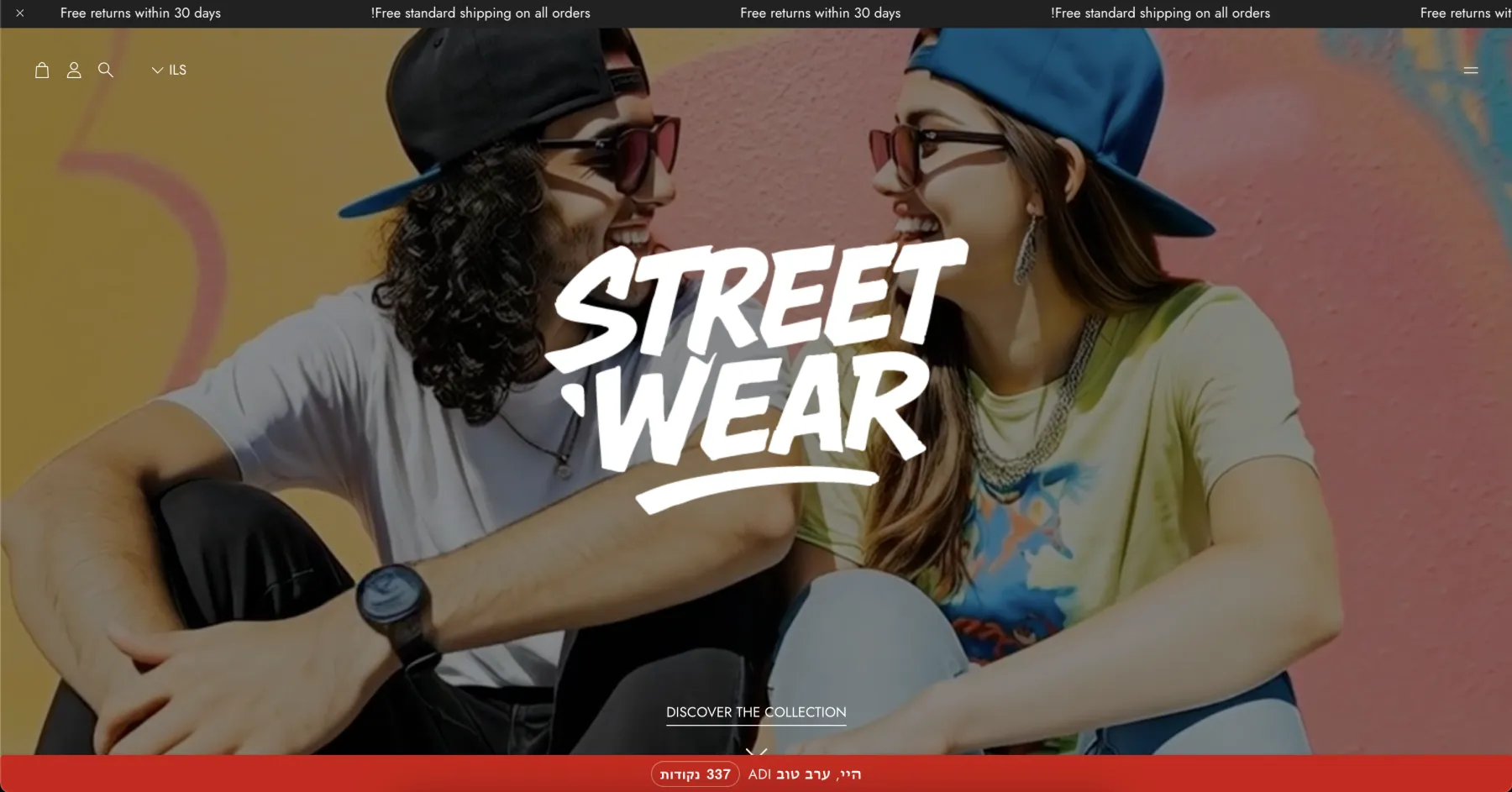
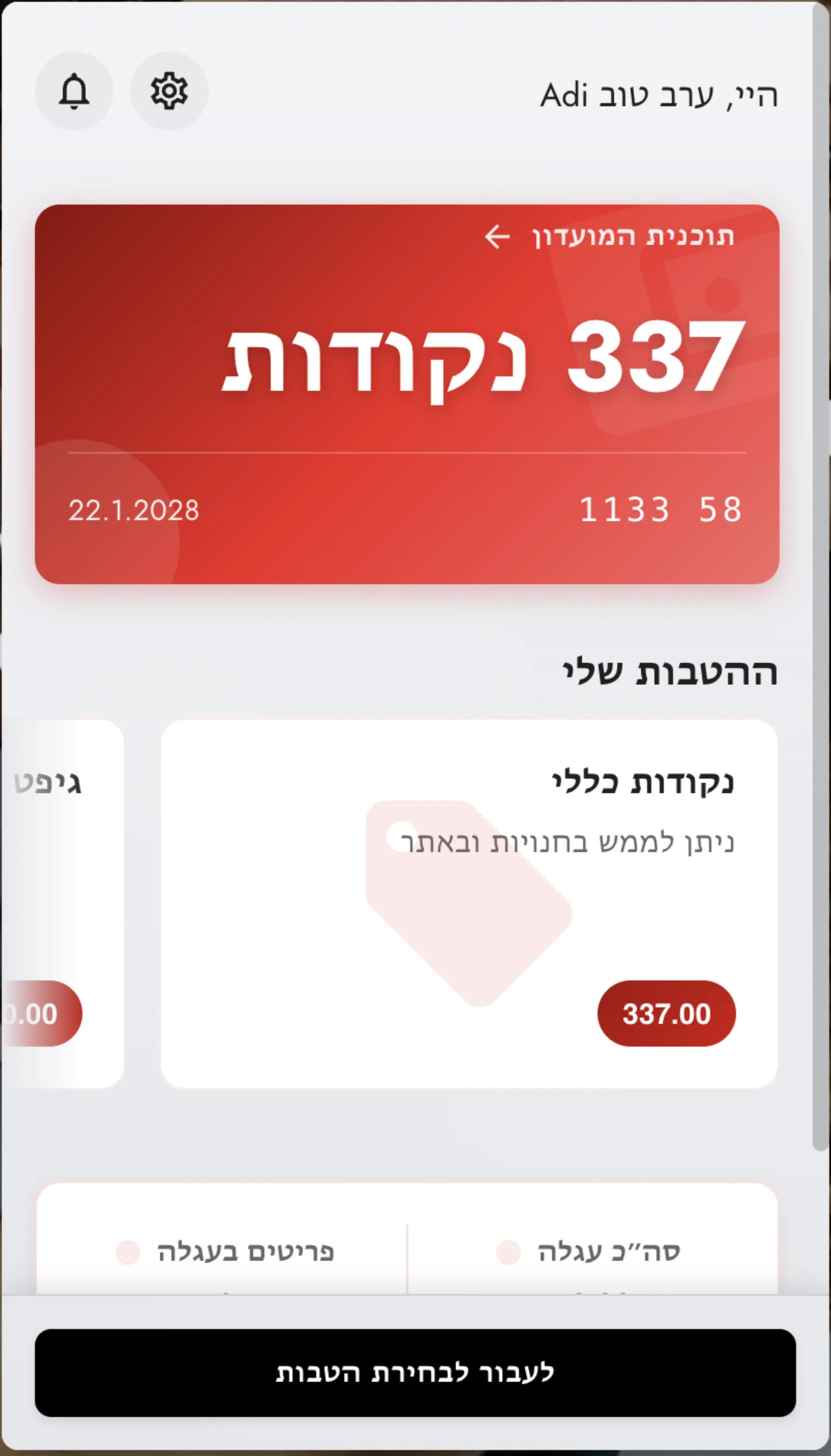

בחירת הטבות ישירות מתוך עגלת הקניות

הרבה מעבר לצבירת נקודות
שלושה כלים שהופכים ביקור לרכישה — ורכישה לחזרה.
מערכת פופאפים
פופאפים חכמים שקופצים ברגע הנכון — הרשמה, הטבה או תזכורת. בלי להעיק.
צ׳קאוט אקסטנשן לשופיפיי
הטבות המועדון מופיעות ישירות בצ׳קאוט של Shopify — הלקוח לא יוצא מהעגלה.
מה שצפית, לא רק מה שקנית
עוקבים אחרי המוצרים שהתעניינת בהם — ומחזירים אותך אליהם בול בזמן.
עובד עם כל פלטפורמה שיש לכם
 Shopify
  WordPress
  WooCommerce
  Wix
Wix 
מועדון לקוחות לכל סוג עסק
לא משנה מה אתם מוכרים — סימפלי עובד.

👗
אופנה ובוטיק
לקוחות שחוזרים לקולקציה הבאה

☕
בתי קפה ומסעדות
נאמנות שמתחילה מהכוס הראשונה

🍽
מסעדות
הפכו אורחים חד-פעמיים לקבועים

🛍
קמעונאות
כל ביקור בחנות שווה נקודות
מועדון לקוחות בקליק
אז איך זה עובד?
מחברים את הפלטפורמה
Webhook אחד, אינטגרציה אחת. הגדרה מהירה עם Shopify, WordPress, או כל מערכת אחרת — ללא פיתוח.
מגדירים את המועדון
לוגו, צבעים, תנאי חברות, מוצרי מנוי, הטבות — הכל בלוח הבקרה שלכם. המועדון נראה בדיוק כמו המותג שלכם.
הלקוחות מתחילים להצטרף
הווידג'ט חי באתר. לקוחות נרשמים, צוברים נקודות, ומקבלים הטבות — אוטומטית. אתם רואים הכל בדשבורד.
כל מה שצריך כדי לגדול
לא רק כלי טכני — מנוע צמיחה שלם למועדון הלקוחות שלכם.
מיתוג מלא שלכם
לוגו, צבעים, תמונות, טקסטים — הווידג'ט נראה כחלק מהאתר שלכם. לא כמו כלי צד שלישי.
אוטומציה עם Zapier, Make, n8n
מחברים לאלפי כלים — CRM, מייל, WhatsApp, SMS. כל עסקה מפעילה את הזרימה שרציתם.
מוניטורינג בזמן אמת
כל סשן, כל עסקה, כל שגיאה — גלויה בלוח הבקרה. יודעים בכל רגע מה קורה.
רב-לשוני מהקופסה
עברית, אנגלית, ערבית, רוסית — הטקסטים של הווידג'ט מותאמים לשפת הלקוח, עם עריכה מלאה.
מוצרי מנוי גמישים
חברות ראשונית, חידוש, רמות נאמנות — כל מבנה שתרצו. עם מחירים, הטבות ומסר FOMO לשדרוג.
שליטה מלאה בגישה
הגדירו אילו דומיינים מורשים, כמה משתמשים מחוברים במקביל, ומי תמיד רואה את הווידג'ט.
למה שווה להשקיע במועדון לקוחות?
המספרים לא משקרים. שימור לקוח רווחי משמעותית יותר מגיוס.
יותר קניות
חברי מועדון קונים ב-30% יותר מלקוחות מזדמנים בממוצע.
עלות גיוס מול שימור
גיוס לקוח חדש עולה פי 5 מהשארת לקוח קיים.
יותר הוצאה בביקור חוזר
לקוח חוזר מוציא בממוצע 67% יותר מלקוח ראשוני.
סרטוני המלצות

לקוחות ממליצים
"מיד הבנו שמולנו נמצאים חבר'ה רציניים ומקצועיים שיודעים מה הם עושים"
יוסי פלג
מנכ"ל רשת תחנות הדלק מיקה
1 / 10

מוכנים? הפלטפורמה שלכם + מועדון לקוחות = יותר כסף.
מחברים אתכם תוך יום עבודה. ייעוץ ראשוני חינם ללא התחייבות.
התחילו עכשיו